Brookhaven RP Wiki
Brookhaven RP is a Roblox town roleplay game maintained by Voldex. Choose a home, dress your character and create stories with other players, without a fixed quest route. This wiki covers houses, saving decorations, vehicles, jobs and optional passes, plus information about music codes.
Codes
Sources checked
No reward code was confirmed in the official Brookhaven material reviewed. Music IDs refer to audio, while the official Music Unlocked pass provides a song library for roleplay.
View all codes & redemption helpGetting startedChoose a home, take a free ride and pick a role for your story. Remember to save your house.
Beginner
Your first visit to Brookhaven
Brookhaven RP is a free Roblox town roleplay game maintained by Voldex. Choose a home, dress your character and make a story with other players. There is no fixed quest route to finish.
Start with the free options. A car, a home and a job role are enough for a school day, a family visit or a shift at the hospital.
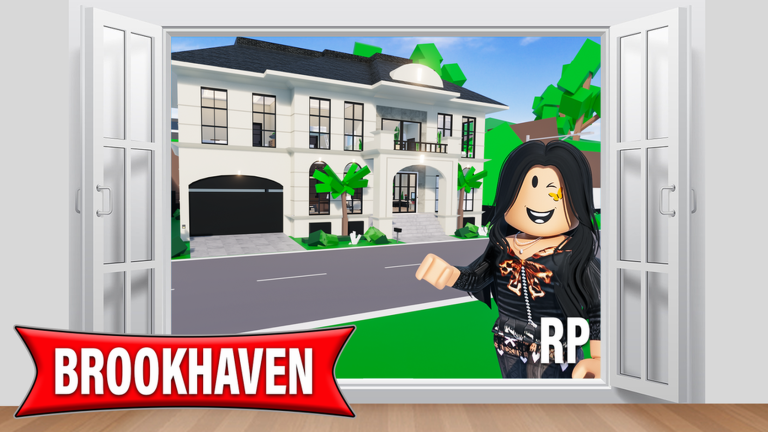
Choose a vacant plot
You arrive near the town fountain. Open Houses on the right, find a plot marked Vacant, go there and claim it. Then select a house.
Get a ride
Open Vehicles and select a free car or bike. Use WASD or arrow keys on PC, or the joystick on mobile, to drive around town.
Pick a role
Choose a job in Jobs or use Take Job inside a workplace. Set your look in Avatar Editor, then meet friends at a place that fits your story.
Save before leaving
Decorated your home? Save it through the house menu. House decoration is not saved automatically.
Houses & decorationCompare free homes, manual saves, property changes and visitor access.
Houses, decoration & access
No empty plot nearby? Try a motel room, an apartment or another server. Once you have a home, use Edit Mode to place, rotate and duplicate props.
House reference
| Topic | What to know |
|---|---|
| Free homes | Tree House, Trailer House and Family House are free choices. Motel rooms and several apartments also provide a place to stay. |
| Save your build | Use the house menu to save manually before leaving. One save slot is included; extra slots are separate purchases. |
| Changing properties | You can have one property at a time. Switching normally has a 10-minute cooldown; VIP and private servers remove this wait. |
| Doors & visitors | Lock doors in the house controls. Roommates can enter locked doors; Family members become roommates. Moving house resets locks, roommates and bans. |
Vehicles & transportChoose a vehicle or subway route and check the controls for getting on and off.
Getting around town
Use the subway for a direct trip, or pick a vehicle for the roleplay. To dismount a bike, scooter or horse, use E on PC or X on mobile.
Transport reference
| Topic | What to know |
|---|---|
| Cars & small vehicles | Choose a vehicle in the right sidebar. Many cars, bikes, scooters and wheelchairs are free. Jump to leave a car. |
| Emergency vehicles | The basic police cars and fire trucks do not require the matching job. Some special versions require passes. |
| Boats | Spawn boats at the water. There are free choices; additional boats are included in the Boat Pack. |
| Aircraft | Use a helipad or select an aircraft in the vehicle menu. Check its pass icon before choosing; PC helicopter controls use E to climb and Q to descend. |
| Subway | Sit down and select a station: Crown Pointe, Downtown, Blackhawk or Lake Madison. Buses are driven by players. |
Jobs & roleplayJobs identify your role in the story; they do not pay wages.
Jobs are roleplay roles
Brookhaven jobs do not pay wages. The job icon identifies your role; choose one from the Jobs menu or the Take Job button at a workplace. You can hold one job at a time, take a break or quit.
Service & shops
Hospital, police, fire, bank and restaurant roles suit a shared shift. Look for workplace uniforms or use the Avatar Editor.
Family, arts & outdoors
Try a household story, a theater performance or a stable visit. Agree on the scene with friends, then choose the tools and outfits it needs.
Pass comparisonCompare optional houses, vehicles and effects before choosing a pass.
Which pass does what?
Passes add optional houses, transport and effects. Open Store in the right sidebar to see the current price before buying. Private servers and extra house saves are separate purchases.
Pass comparison
| Topic | What to know |
|---|---|
| Premium | Premium houses, selected vehicles, helicopter and jet, pools and most NPC companions. |
| Land Unlocked | Special plots such as Lake House and Paradise Island. Estates Unlocked is a separate pass for the large estate lots. |
| Vehicle Customization | Vehicle appearance effects. Speed upgrades are separate; this is not the speed pass. |
| Music Unlocked | A song library for the Boombox, houses and vehicles, audible to nearby players. |
| Theme Pack | Server-wide map themes, used in a private server. |
Official linksOpen Brookhaven’s official guides, game and community.
Official Brookhaven links
Updated . Game artwork belongs to its creators.